CASE STUDY
Hospitality POS
Point-of-sale · Windows desktop
A touch-first point-of-sale for a busy café — built to take an order in seconds, print to the thermal roll without a thought, and keep tables, stock and takings honest behind the scenes. okton built it with PRO IT Solutions: cashiers sign in with a PIN, waiters work a live table grid with split-and-merge bills, and managers get charts and exportable reports — one Windows app, four roles.


- Platform
- Windows desktop
- Shipped
- 2026
From first sketch to the counter.
We ran the build through okton's eight stages — the same arc behind every project.
- 01
Think
We watched how a café really runs at peak: orders called across the bar, a queue building, a printer that can't miss. Speed at the counter was the whole brief.
- 02
Frame
One touch-first Windows app, four roles, wired to a thermal printer and tolerant of a flaky network. We framed everything around the till first.
- 03
Spec
Products, categories, stock moves, orders, table layout, VAT, shifts and role permissions — written down before a line of code, so nothing was decided at the keyboard.
- 04
Design
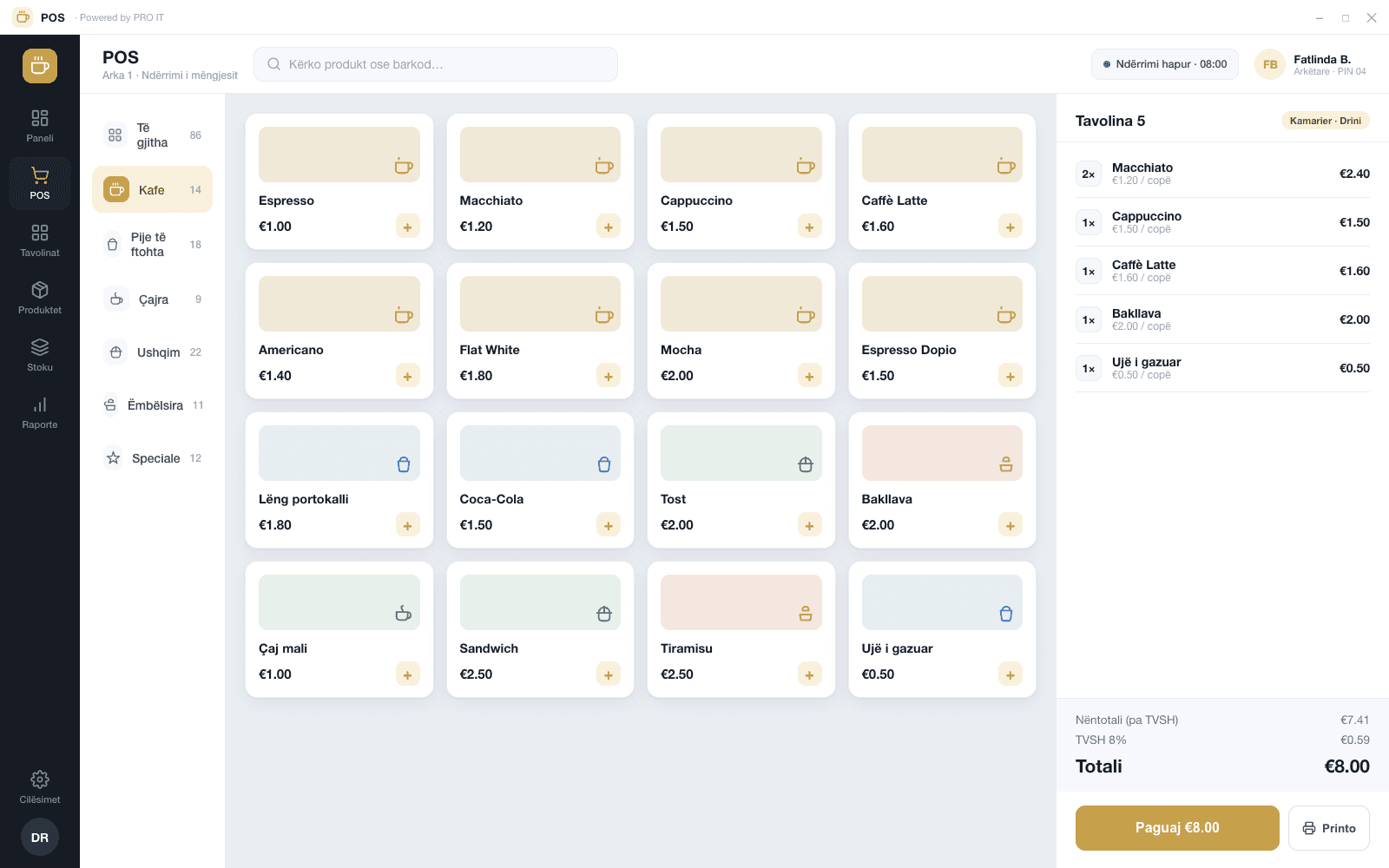
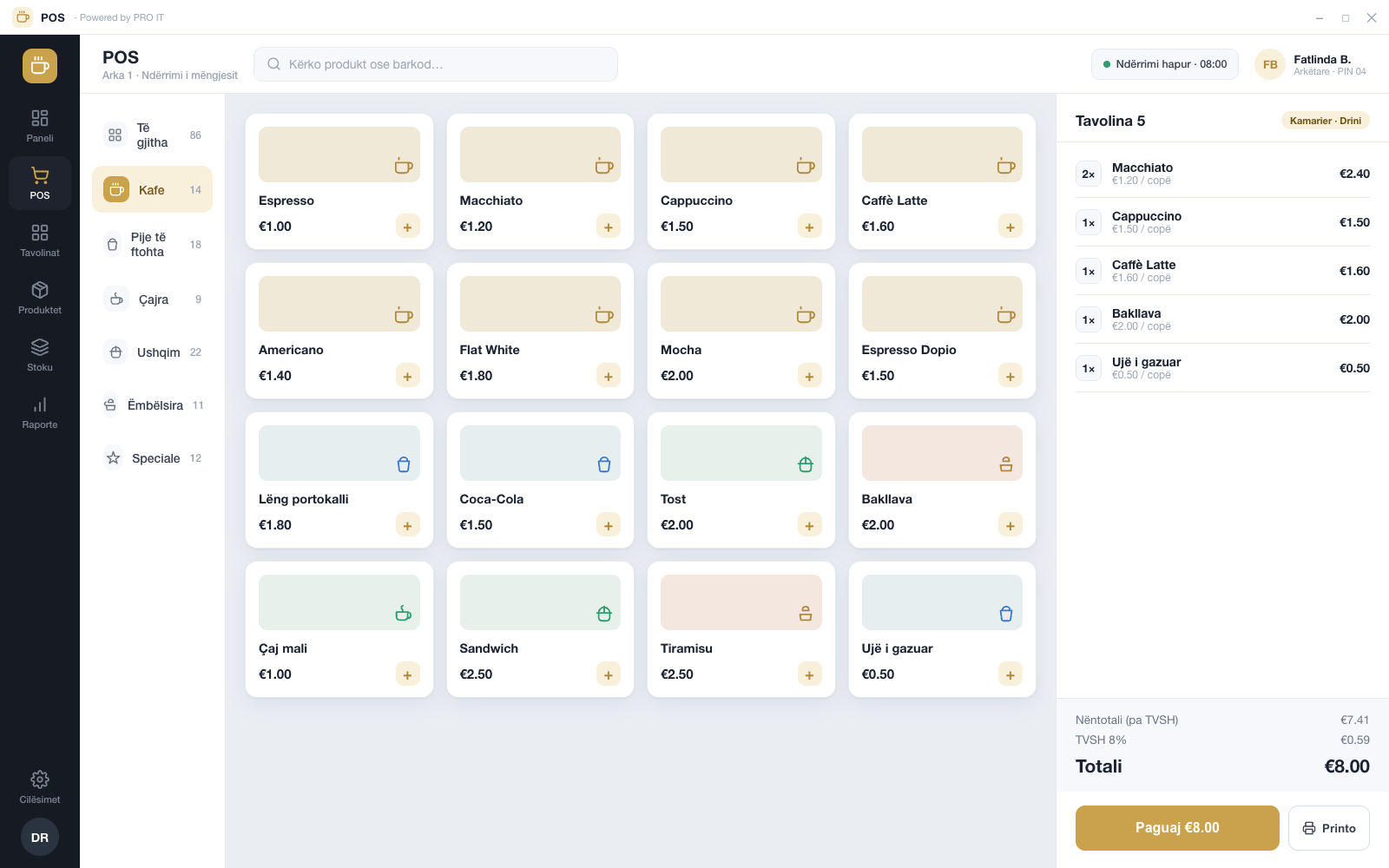
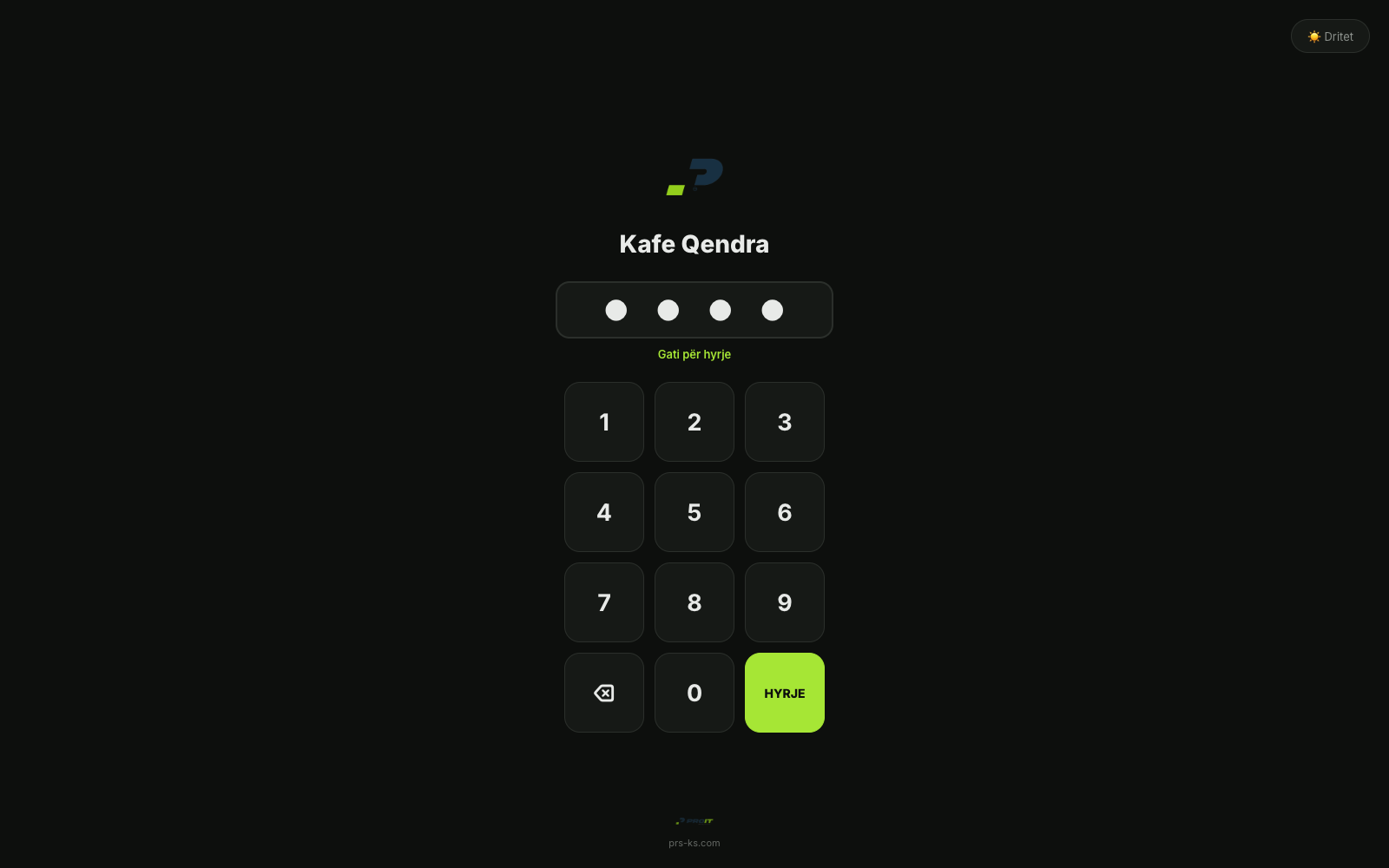
A product grid you read at a glance, search that keeps up with typing, totals that never hide. Cashiers sign in with a PIN; waiters see the floor, not a form.
- 05
Build
React + Vite on the front, Node and Express over PostgreSQL with Prisma, packaged into one Electron app — plus a small Windows print bridge that speaks ESC/POS to the 80mm roll.
- 06
Test
We hammered the order flow, split-and-merge bills, reprints, low-stock alerts and the role boundaries — so the busy moment isn't where bugs surface.
- 07
Ship
Packaged as a Windows installer with step-by-step setup and a printer guide, so the café can stand it up and train a new starter in minutes.
- 08
Grow
Built to extend — fiscalization, deeper reports and new roles slot in without unpicking what's already on the counter.
What it gets right.
Fast at the counter
A touch grid and type-ahead search build the order in a few taps; cashiers sign in with a PIN, so the queue keeps moving.
Receipts, handled
Orders print automatically to an ESC/POS thermal printer (58/80mm) through a dedicated Windows bridge, with one-tap reprint when a roll jams.
Built for table service
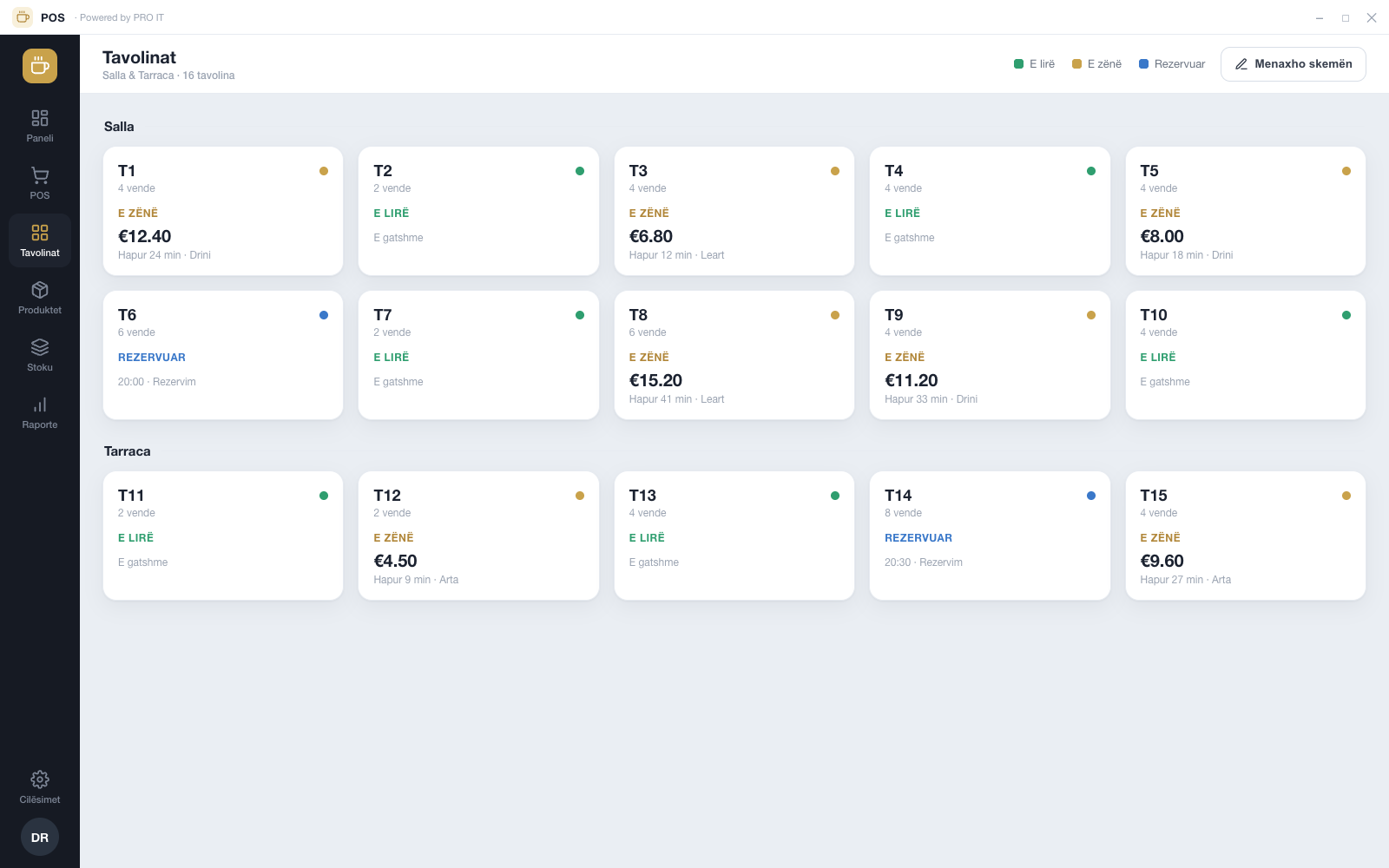
A live floor grid lets waiters open, hold, split and merge bills; admins arrange the layout to match the room.
Stock that counts itself
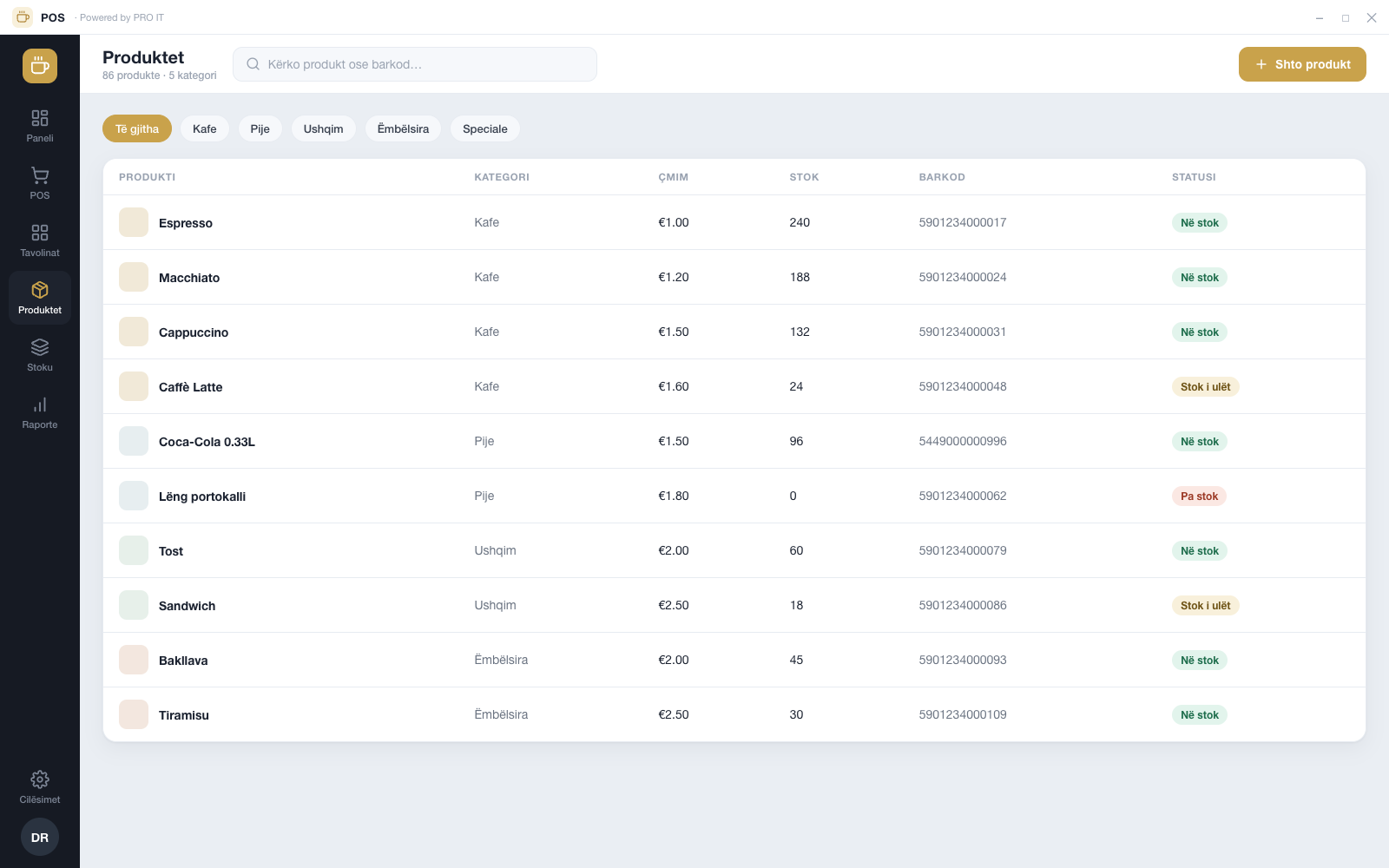
Each sale deducts its recipe's ingredients, low-stock alarms fire before you run out, and real cost-of-goods feeds the margins.
Discounts, tips and regulars
Apply a discount with a reason, capture tips per payment, split a bill across cash and card, and tag loyalty customers — all at the close.
The till always balances
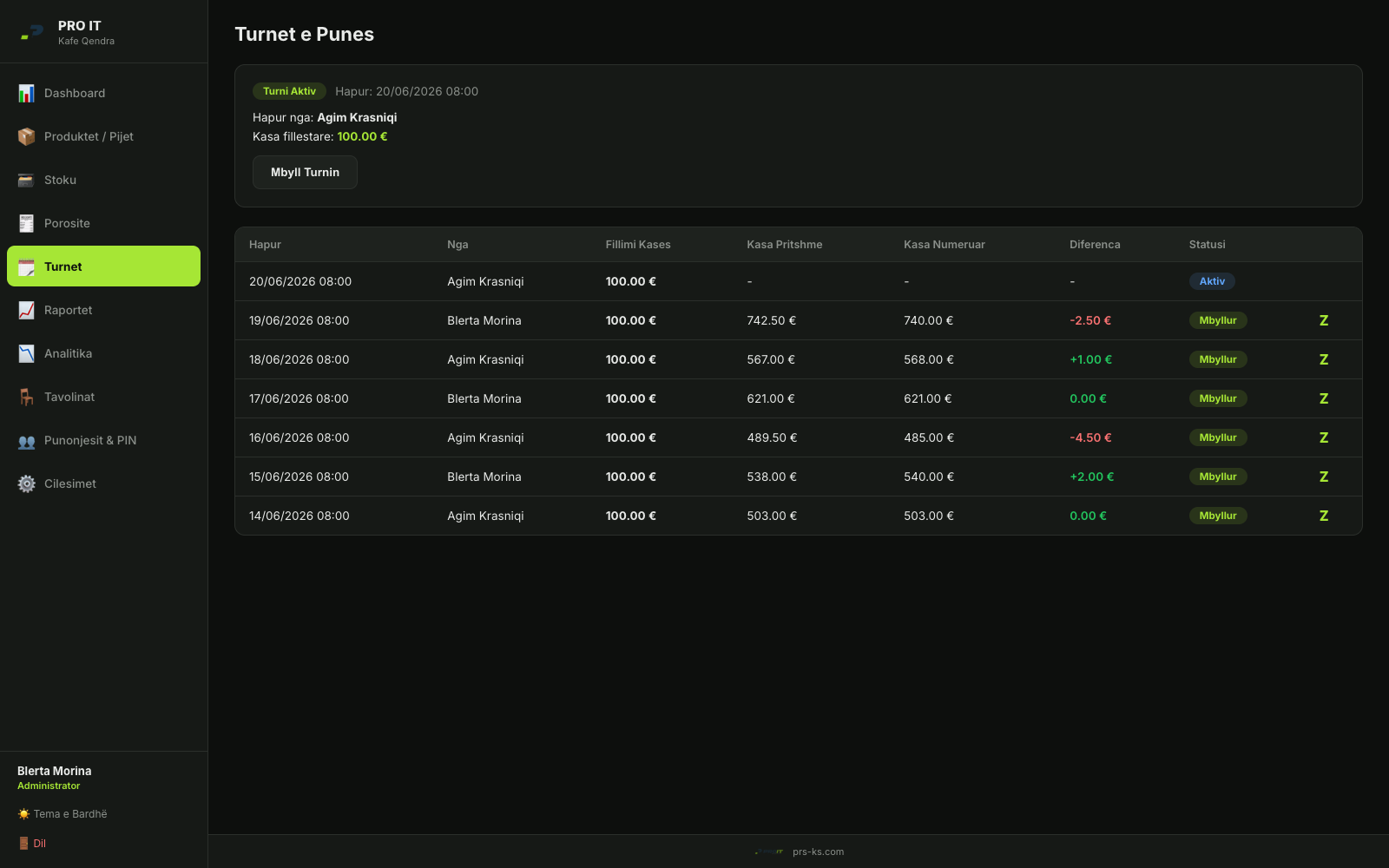
Staff open and close shifts against a Z-report: opening float, expected versus counted cash, and every difference flagged.
Four roles, clear access
Admin, manager, cashier and waiter each see exactly what they should — enforced on every API route with JWT and RBAC, not just hidden in the UI.
Reports that leave the building
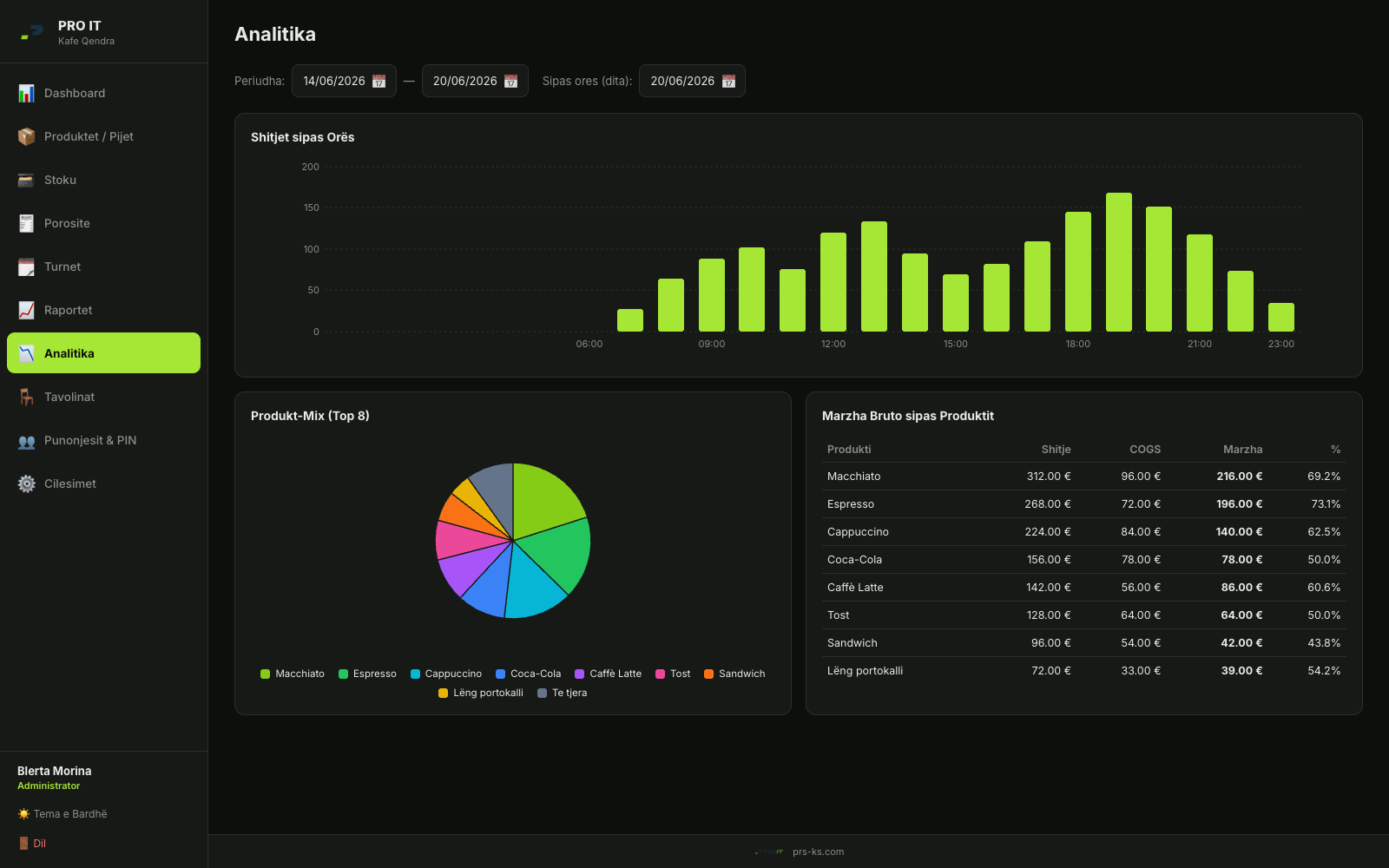
Daily and monthly takings and shift summaries as charts, exportable to PDF or Excel for the accountant — VAT included.
Runs on one PC, no cloud bill
A self-contained Windows app with its own local database — it keeps selling when the internet drops, and there's no monthly SaaS fee.
Stack
- Electron
- React + Vite
- Node · Express
- PostgreSQL · Prisma
- ESC/POS thermal (80mm)
- JWT · RBAC (4 roles)
- Recharts · PDF/Excel
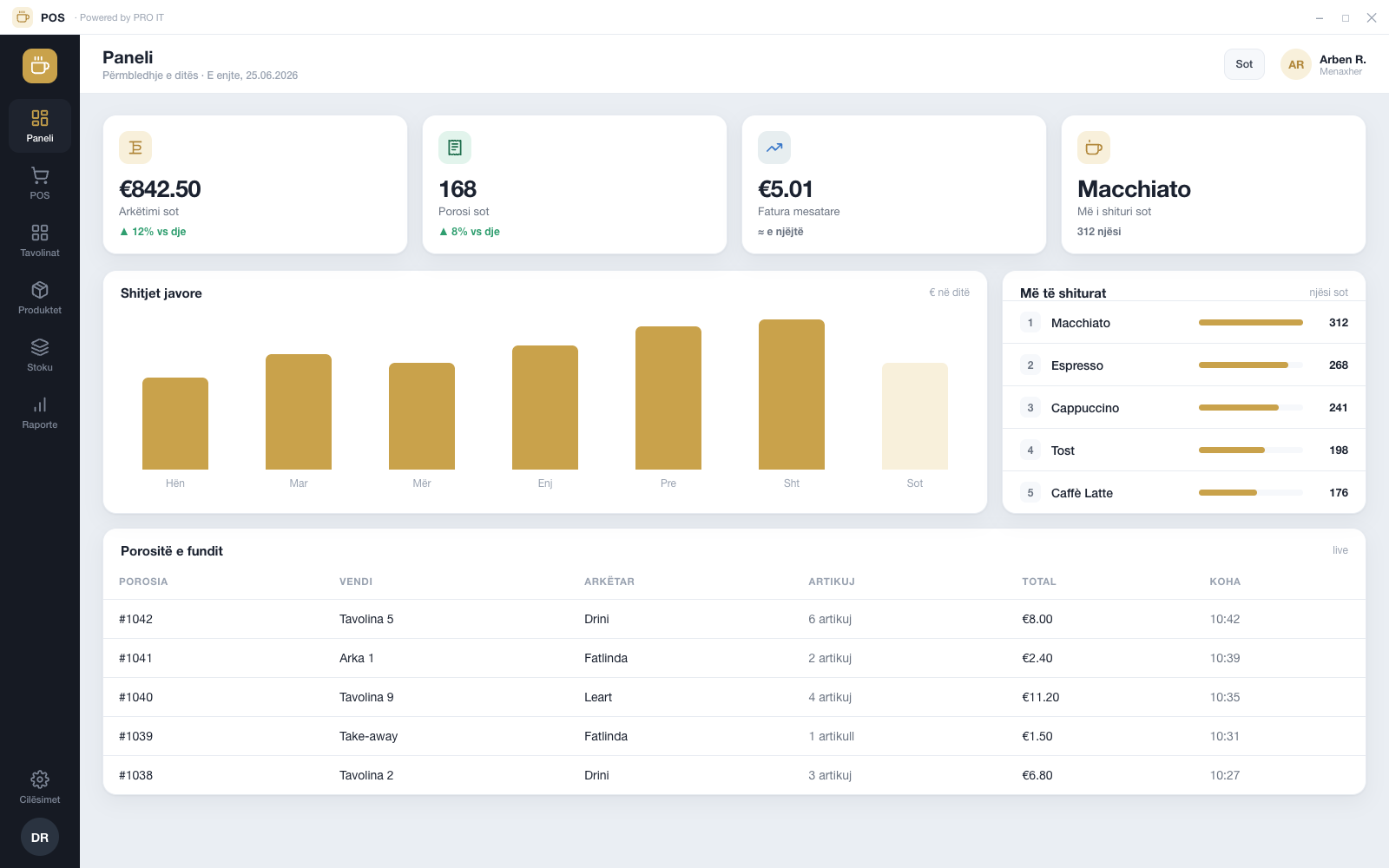
Inside the app.
Representative screens, shown with sample data.
Want one for your counter?
We build point-of-sale and back-office tools that hold up on a busy day. Tell us about your floor.